How Google Discover works in 2026: the complete guide
Everything you need to know about the algorithm, ranking factors, and the levers to maximize your visibility in the Discover feed.
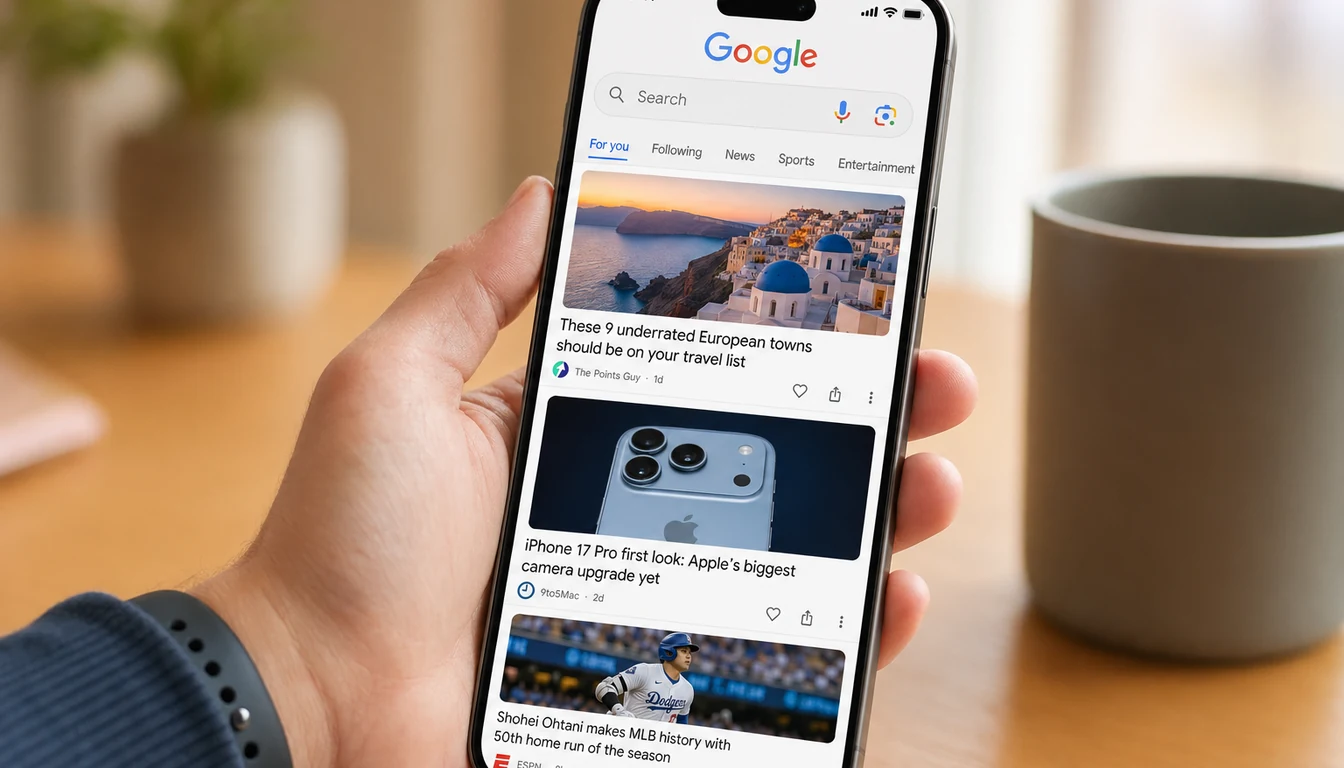
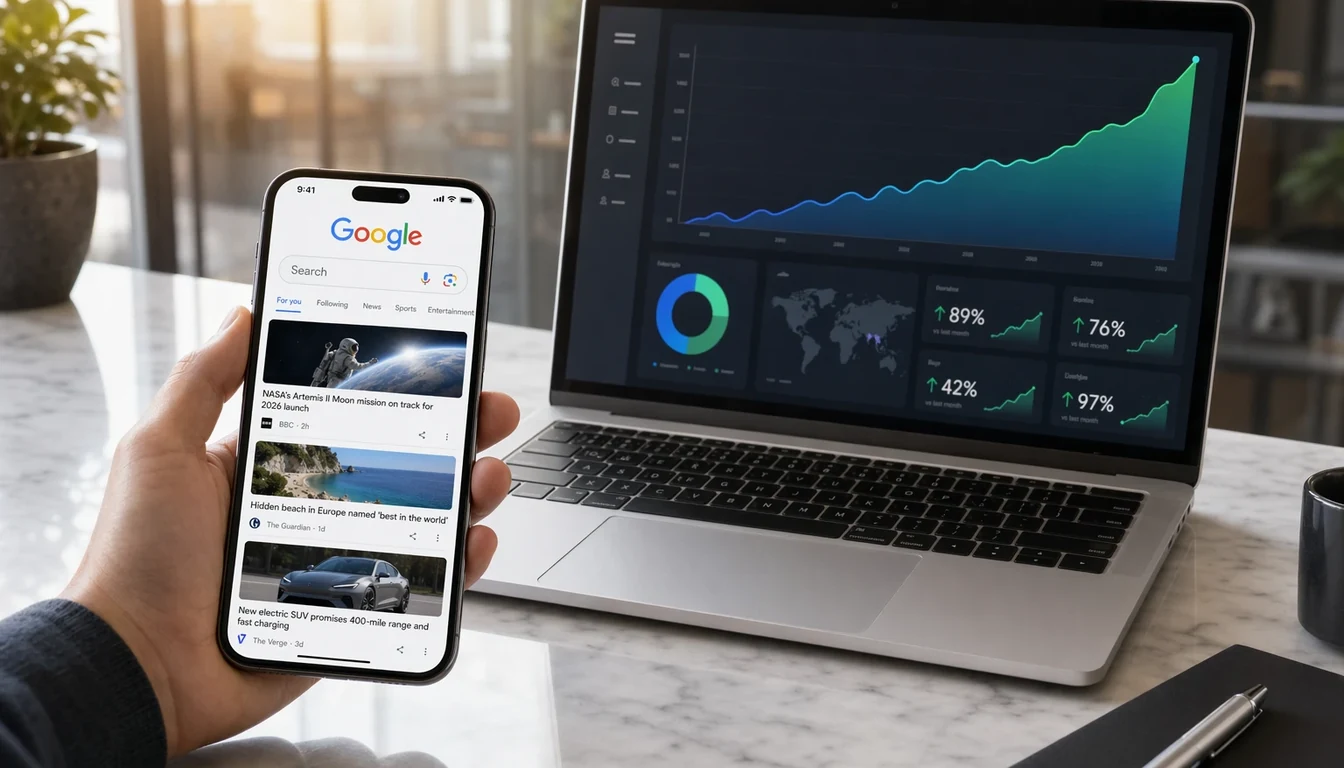
Google Discover has become, in just a few years, one of the most powerful — and most unpredictable — traffic channels for any content publisher. In 2026, the platform surpasses 800 million monthly active users and now represents a significant share of organic traffic for most media outlets. But how does it really work, and more importantly: how do you optimize your site to appear in it?
Google Discover works through personalized recommendation, not through queries. To appear, your site must combine freshness, editorial quality, and engagement signals. Having an active Google Web Profile is an almost-mandatory technical prerequisite.
Unless explicitly attributed to an external source, the specific percentages, thresholds and time windows mentioned in this article are DiscoReady's or the SEO community's own observations. For officially attested data on Discover's 2026 architecture, see our sourced analyses: Content, Moonstone, Aura — Layer 1 (55% of FR volume) and DeepTrends and DeepTrendsFable — the trends layer. The list of primary sources appears at the end of the article.
What exactly is Google Discover?
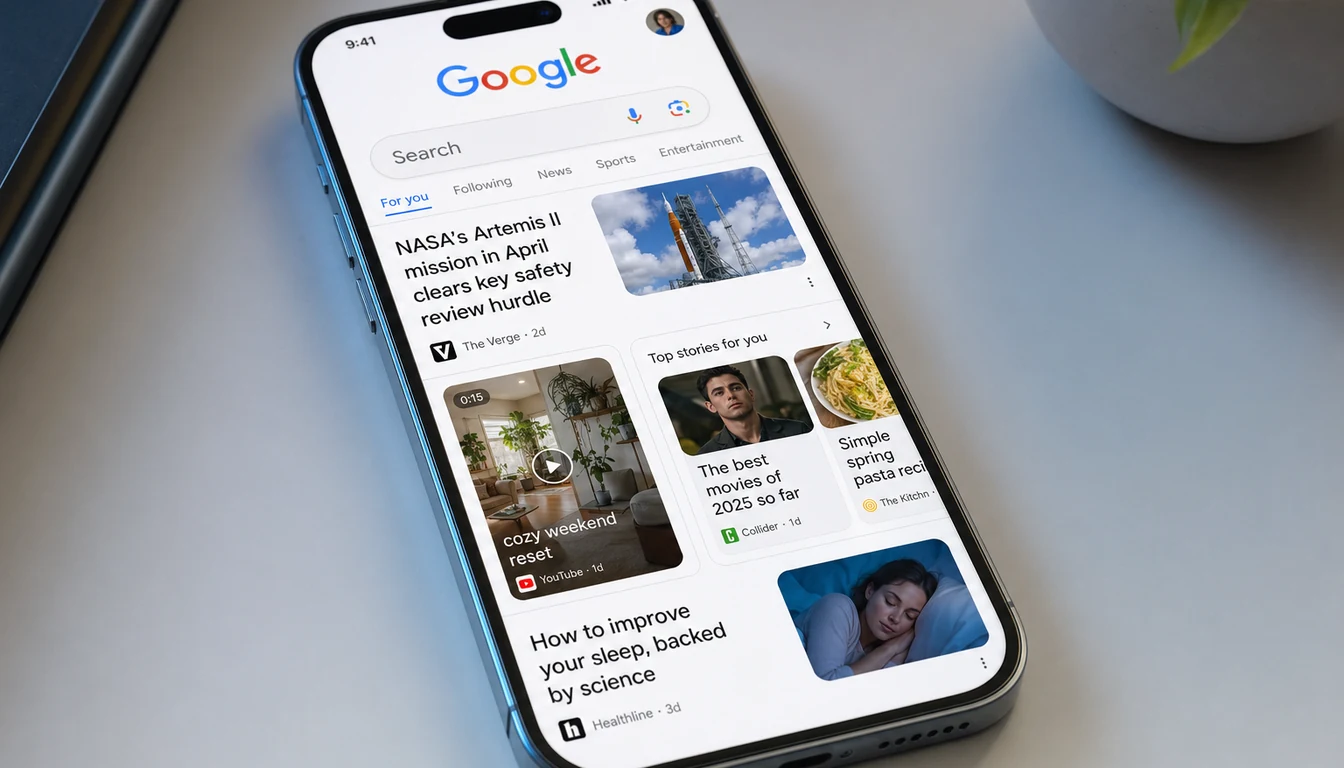
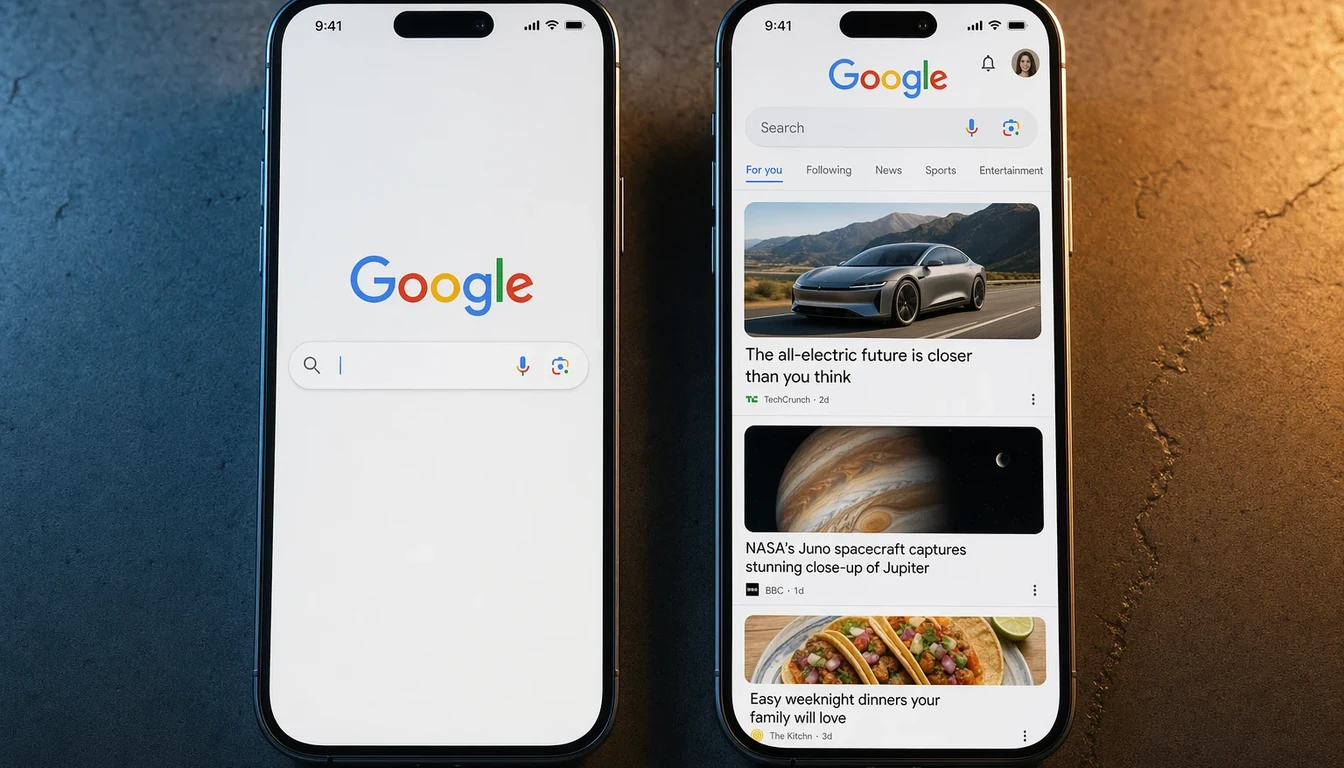
Discover is the personalized content feed that appears on the home screen of the Google app (Android, iOS) and on google.com from mobile. Unlike traditional search, the user doesn't type any query — the algorithm guesses what might interest them based on their history, stated interests, and web behavior.
For a publisher, this radically changes the game: it's no longer about optimizing for specific keywords, but about being identified as a trusted source on topics Google deems relevant to the user.
How it works technically
Google describes Discover as a system based on three layers:
- The entity layer — Google associates your site with an identity card (the Google Web Profile) that contains your category, country, logo, social networks, and a description mostly sourced from Wikipedia when available.
- The topic layer — Each article is analyzed and associated with one or more topics (sports, tech, cooking, local politics…). The algorithm weighs the topic's relevance for each targeted user.
- The engagement layer — Behavioral signals (Discover click-through rate, time on page, shares, return visits) continuously refine the estimated relevance of your content.
The 5 main ranking factors
1. Content freshness
Discover massively favors articles published in the last 48 hours. Past that window, appearance probability drops sharply — except for "evergreen" reference content on topics that become topical again.
2. Headline & visual quality
Headlines must be informative without being clickbait. Google penalizes exaggerated or misleading titles. The featured image should be at least 1200 pixels wide (ideally 1920px) and declared via the max-image-preview:large directive.
3. Authority and E-E-A-T
Experience, Expertise, Authoritativeness, Trustworthiness — the 4 pillars of E-E-A-T are now inseparable from Discover ranking. The more your site is recognized as a reliable source in its topic, the higher the probability of appearing in targeted feeds.
4. User engagement
Google closely monitors post-click signals: time on page, scroll, immediate return (pogo-sticking). An article that generates lots of impressions but low engagement gets quickly "demoted" in the feed.
5. Technical health
Core Web Vitals, HTTPS, mobile-friendly, no intrusive ads… all the classic technical SEO signals apply — but with lower tolerance on Discover, because traffic is generated on smartphones, often on 4G.
Content types that perform in 2026
- Hot news on general-interest topics (sports, politics, celebrities, tech)
- How-to guides on everyday problems
- Listicles ("Top 10…", "5 reasons to…") particularly engaging on mobile
- Strong visual content: before/after images, infographics, "reveals"
- Case studies with numbers that bring tangible proof
How to optimize your site for Discover
- Verify your Google Web Profile — Use our Profiler tool to confirm Google recognizes you as an entity.
- Configure
article,NewsArticleorBlogPostingschema.org markup in JSON-LD. - Optimize your images: 16:9 or 4:3 ratio, minimum 1200×630px, modern format (WebP or AVIF),
max-image-preview:largedirective in the header. - Publish regularly, aiming for consistency rather than raw volume — the algorithm values editorial steadiness.
- Monitor via Search Console under "Performance → Discover" to identify what works and replicate winning patterns.
Mistakes that kill your Discover visibility
- Clickbait headlines that generate reader disappointment → massive pogo-sticking
- Duplicate content (even lightly rephrased from other sources)
- Intrusive ads (interstitials, autoplay videos, popups)
- Core Web Vitals in the red (LCP > 2.5s, CLS > 0.1)
- Lack of authority signals: no About page, no identified authors, no serious legal mentions
"Discover isn't an SEO channel like others. It's a recommendation feed, mechanically closer to TikTok or Twitter, and it rewards the combination freshness × engagement × authority." — John Mueller, Google Search Central
Conclusion: where to start
If your site isn't yet generating Discover traffic, start with the simplest step: verify that your Google Web Profile exists. Without a recognized entity, none of the other optimizations will bear fruit.
Run a free analysis with our Profiler — you get your Google profile URL in 1 second, and we'll email you a first diagnosis of your current positioning.
Take action in 1 minute
Three free tools the editorial team uses daily — tested across French and international publishers.
📘 Want to go deeper? Grab the free Discover Essentials ebook (33 pages, 25-min read).
Sources and further reading
- 1492.vision — Sylvain Deauré & Damien Andell: Discover monitoring platform, analysis of 42 million cards (Dec 2025 - Feb 2026), FR-specific figures per pipeline
- Metehan Yesilyurt — metehan.ai: Google App SDK decompilation (87,498 Java classes), 8-stage pipeline, JSON-LD > OG priority
- SearchEngineLand — Inside Google Discover: 20 pipelines, 42 million cards: public relay of the 1492.vision analysis (aggregated figures)
- iPullRank, Mike King — Secrets from the Google Algorithm Leak: analysis of the May 2024 Content Warehouse leak (2,596 modules, 14,014 attributes)
- SparkToro, Rand Fishkin: public disclosure of the leak
- Hobo Web — Content Effort Signal: technical detail on the
contentEffortsignal and theQualityNsrPQDatamodule
Frequently asked questions
Does Google Discover replace Google Search?
No. They are two distinct products: Search answers a query, Discover pushes content without any query. The two coexist and can drive traffic to the same article, but they do not substitute for each other.
How long does an article stay visible in Discover?
The promotion window is typically 48 to 72 hours. After that, impressions drop sharply, unless the article is refreshed (date modified, content updated) or benefits from a topical interest spike.
Which article formats does Discover favor?
Long-form articles (1,500-2,500 words) with a strong 16:9 hero image, emotional H1, structured H2/H3, and a hook in the first 100 words. Listicles and case studies perform especially well.
Do I need a Google Search Console account to track Discover?
Yes, it is mandatory. Search Console's "Performance → Discover" report is the only official place where Google exposes your Discover impressions, clicks and CTR. Without it, you are blind.
What is the #1 blocker if my site does not appear in Discover?
The absence of a Google Web Profile. If Google does not recognize you as an editorial entity, Discover does not push you, period. Check your profile in 1 second with the Profiler.
Does your site have an active Google Web Profile?
No Discover tactic works if Google doesn't recognize you as an entity. 1 second to check, free.
Launch the Profiler →